Create and share an address book
Create an address book and choose who can use it.
Create an address book
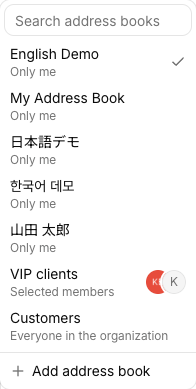
- Select the current address book name at the top of the screen.
- Select Add address book at the bottom of the list.
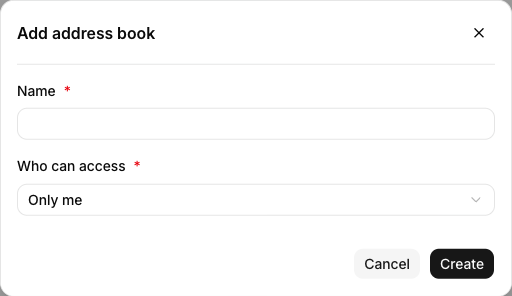
- Enter a Name and choose Who can access.
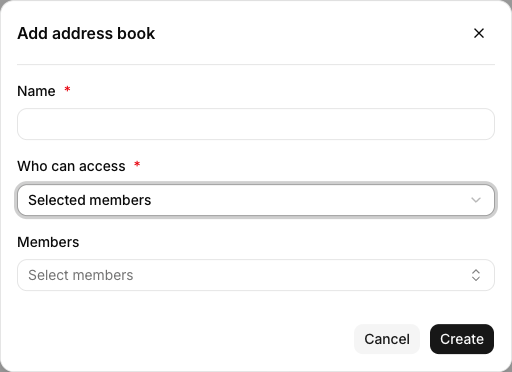
- If you chose Selected members, select the people to share it with under Members.
- Select Create.
Share with selected members
Choose Selected members under Who can access to show the Members field. Select at least one person who will use the address book, then create it.
If you choose Everyone in the organization, every member can see the address book and its contacts. Check the audience before storing personal or restricted customer information.
Related guides
Last updated on